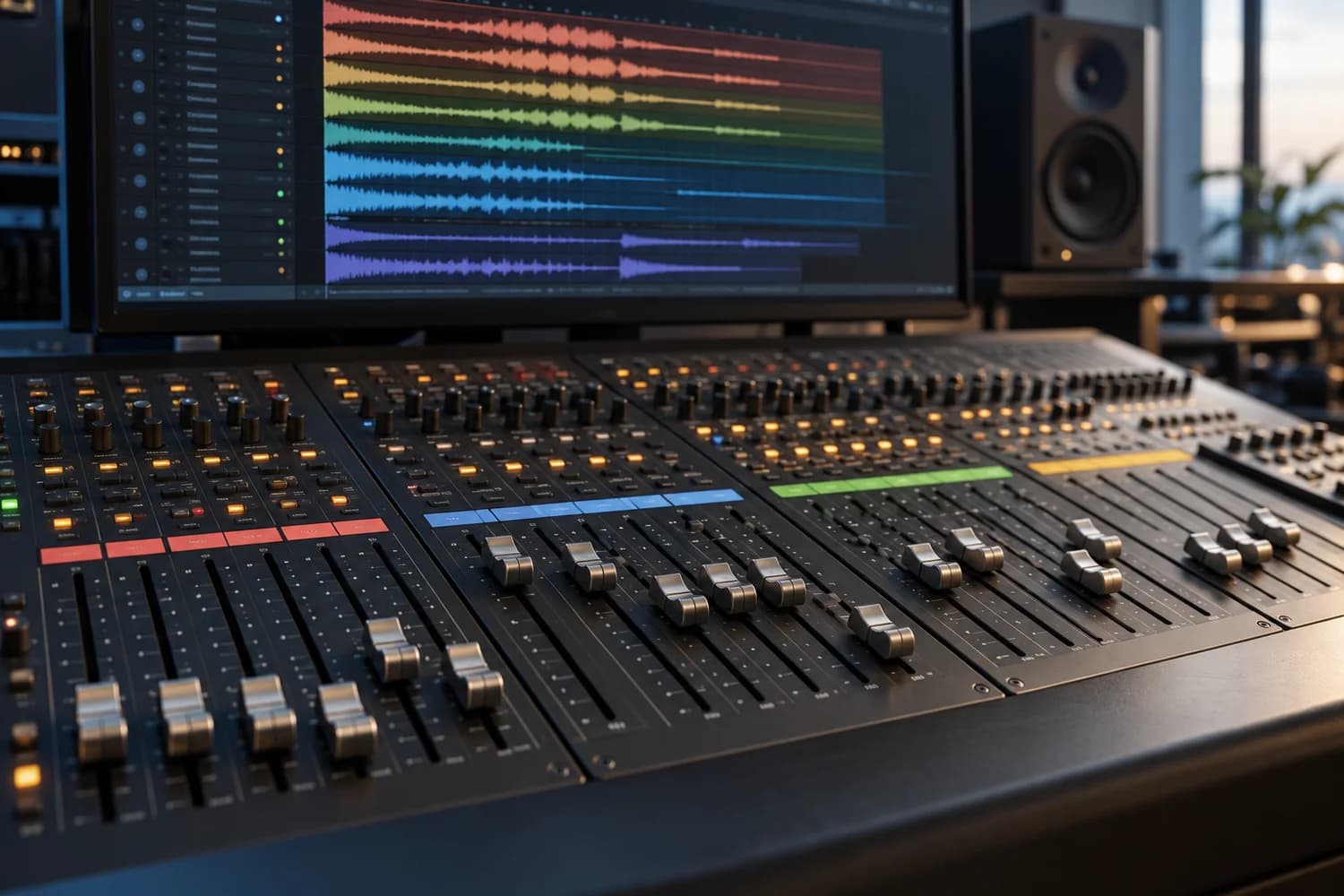
Decide what the kick and bass should contribute, then examine their lengths in the track. Processing addresses a problem you can hear, checked through comparisons at similar perceived loudness.
VISUAL WORKSHOP
Arrange the low end in time
ATTACK
The kick carries impact
Listen to the attack and decay before changing the bottom of the spectrum.
SUSTAIN
The bass carries the phrase
Choose note lengths and how they articulate against the pulse.
SPACE
One focused correction
Compare arranging, EQ or gain movement at a comparable listening level.
Assign roles before adding processing
To make kick and bass work together, start with their roles and durations, then address the problem that remains audible. Another plugin chain does not replace an arrangement decision. First identify what needs to read clearly: the kick’s impact, the movement of the bass or the continuity of a low note.
In an electronic sequence, you might want a clear attack followed by a long bass note. In a cinematic passage, sustained bass may carry tension while impacts remain widely spaced. These are starting choices, not rules attached to a genre.
iZotope recommends considering the bass part’s function and its interaction with the kick before EQ. Then write your own goal: “The impact should stand out, but the note should continue between hits.”
Describe the problem through a short listening test
Choose a representative loop, then hear the kick alone, the bass alone and both together. Return quickly to the complete track: an impressive pair in solo can still cover the piano, vocals or strings. Change only one element between comparisons.
Identify when the problem happens. Is it limited to the attack? Does it continue throughout the note? Does it affect particular bass pitches? Does it appear when a reverb returns? These observations guide the next experiment more effectively than searching for a “magic” frequency.
Before processing, try shortening a note or the kick’s tail, removing a low doubling layer or changing a rest. If the issue varies between notes, also check the bass layers and their effects. Reversing polarity does not perform the same operation as a time shift; one convincing hit cannot validate an entire phrase.
Choose the most focused correction
When two elements mask each other, static EQ changes their balance continuously, whereas dynamic processing can act only at troublesome moments. iZotope distinguishes between temporarily ducking a signal’s level through sidechain and reducing a specific frequency region with dynamic EQ.
For your experiment, look for a small adjustment that clarifies the chosen role, then bypass it. Is the remaining tone still useful? Avoid hollowing out a bass part simply to make the kick seem enormous.
An analyser can help locate a region worth listening to; it cannot decide which source deserves the foreground. Test several notes and the following passage before keeping the adjustment. Do not automatically adopt a frequency or filter slope from another project.
Treat sidechain as a musical gesture
If you choose bass ducking, route the kick into the selected processor’s detection input, then check that each intended hit actually triggers the action. The signal controlling the reduction and the signal you hear have different jobs.
Begin with an easily recognisable reduction, solely to understand its effect. Then adjust its depth and recovery while listening to the phrase. Should the bass return before the next subdivision, or deliberately create a longer breath? Use the track’s rhythm as your reference.
An overly destructive attack can change the bass articulation; an unsuitable recovery can make the phrase pump unintentionally. If broad reduction removes an important tone, compare a more focused experiment instead of immediately adding several processors. No single attack or release time works for every sound.
Exercise: four versions of the same loop
Prepare eight bars in 4/4 at 120 BPM as a teaching starting point. Put the kick on beats one and three. Add bass with one sustained note per bar and a pitch change every two bars. Keep a piano or pad track so you can judge the low end in context.
Create four clearly named versions. A preserves the original loop. B changes only durations: shorten a tail or introduce a breathing space. C starts from B and adds one EQ adjustment. D starts from B and adds one processor triggered by the kick. Do not automatically combine C and D.
Listen to the same passage in every version and bring their perceived levels close before choosing. Write down three outcomes: impact clarity, continuity of pitches and room left for the piano. Then remove the kick for two bars: does the bass become unnecessarily thin?
Finally, repeat the exercise with a different kind of kick, without copying the settings. The aim is to recognise a relationship between two sounds, rather than build a preset that claims to solve every track.
Check mono playback and the complete track
iZotope’s guide to Ozone utilities highlights the value of level-matched comparisons and mono checks. You can apply that method with the tools available in your audio workstation, without owning that plugin.
Switch briefly to mono: does an element lose its function? Return to stereo afterwards. This check does not require removing all bass width. Also compare at low listening volume and in a less crowded passage.
- Is the original problem actually less audible at a comparable level?
- Are the bass pitch changes still understandable?
- Does reduction follow the intended hits without unexpected triggering?
- Does the piano, pad or string part still have room?
- Can you explain what each processor you kept improves?
Sources and references
- iZotope — How to EQ bass to sit well in the mix ↗
- iZotope — What Is Frequency Masking? ↗
- iZotope — 6 Tips for Using Ozone’s Utilities in Mixing and Mastering ↗
Editorial guide prepared with AI assistance and documentary checks. The proposed examples do not describe a real HRMONIC commission.